
Unblur Img AI
Sharpens blurry photos and enhances image resolution instantly using AI, with no downloads required.
Are you the owner?
Claim this tool to publish updates, news and respond to users.
Sign in to claim ownership
Sign InDescription
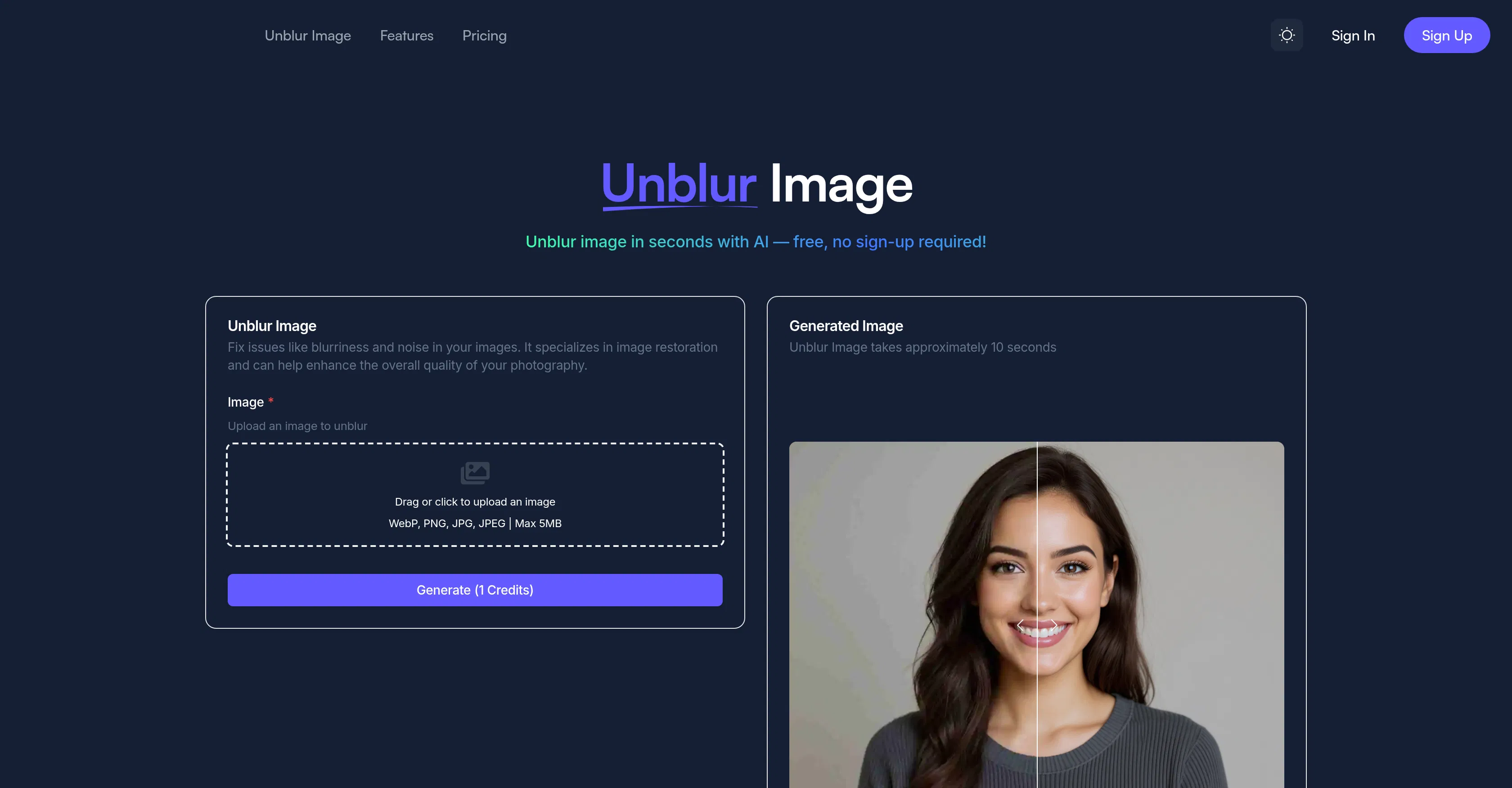
Unblur Img AI is a web-based photo restoration tool developed to address common image quality issues with speed and simplicity. It provides immediate value by allowing anyone to upload a blurry, pixelated, or low-resolution image and receive a significantly clearer, sharper version within seconds, eliminating the need for complex desktop software or technical expertise. The service is built for a broad audience, from individuals looking to salvage personal memories to professionals needing quick fixes for visual assets, and its core promise is delivering high-quality deblurring through an exceptionally straightforward interface.
Key features include advanced AI-powered sharpening that intelligently reconstructs lost detail, robust deblurring algorithms that correct motion blur and focus issues, and resolution enhancement that upscales images while preserving clarity. The tool also performs general photo restoration to reduce noise and artifacts, supports batch processing for handling multiple images at once, and maintains a completely web-based workflow that requires no software installation or mandatory user account creation, ensuring instant access from any modern browser.
What sets Unblur Img AI apart is its combination of professional-grade restoration results with a consumer-friendly, zero-friction experience. The underlying AI model is specifically trained to analyze blur patterns and reconstruct plausible image details, often outperforming basic filter applications. It operates entirely in the cloud, requiring no local GPU resources, and is accessible on any platform with an internet connection. There are no direct integrations with other software, as it functions as a standalone web service, but its output files are compatible with all standard image editors and platforms.
Ideal for photographers needing to quickly salvage slightly out-of-focus shots, social media managers enhancing product images for posts, real estate agents improving property photos, archivists restoring old scanned documents, and everyday users looking to crisp up family photos or screenshots. Specific use cases include preparing images for print, improving visuals for professional presentations, and enhancing details in evidence or insurance documentation, making it a versatile utility for both personal and commercial image quality enhancement.